
01 / Texture
One shape. So many possibilities.
Try a different fill. Give the same design a completely different feel.
 Actual bobbi stitch preview
Classic parallel rows for a smooth, even fill.
AI-powered embroidery, made on iPad
Your imagination. Thousands of stitches. Watch it come alive.
Bring anything you imagine to life in embroidery. Describe it to AI Create, turn your artwork into editable stitches, and make it yours with Apple Pencil. All on your iPad.


Engine preview, not a photograph of a sew-out.
Meet AI Create
A tiny dragonfly with stained-glass wings. A portrait of your favorite pet. A gift that could only come from you.
Describe what you imagine and AI Create makes the artwork. Turn it into embroidery, choose your thread colors, and refine every detail. You bring the idea. Bobbi helps you bring it to life.
Make something that's yours“A dragonfly with stained-glass wings, jewel tones, and bold outlines.”
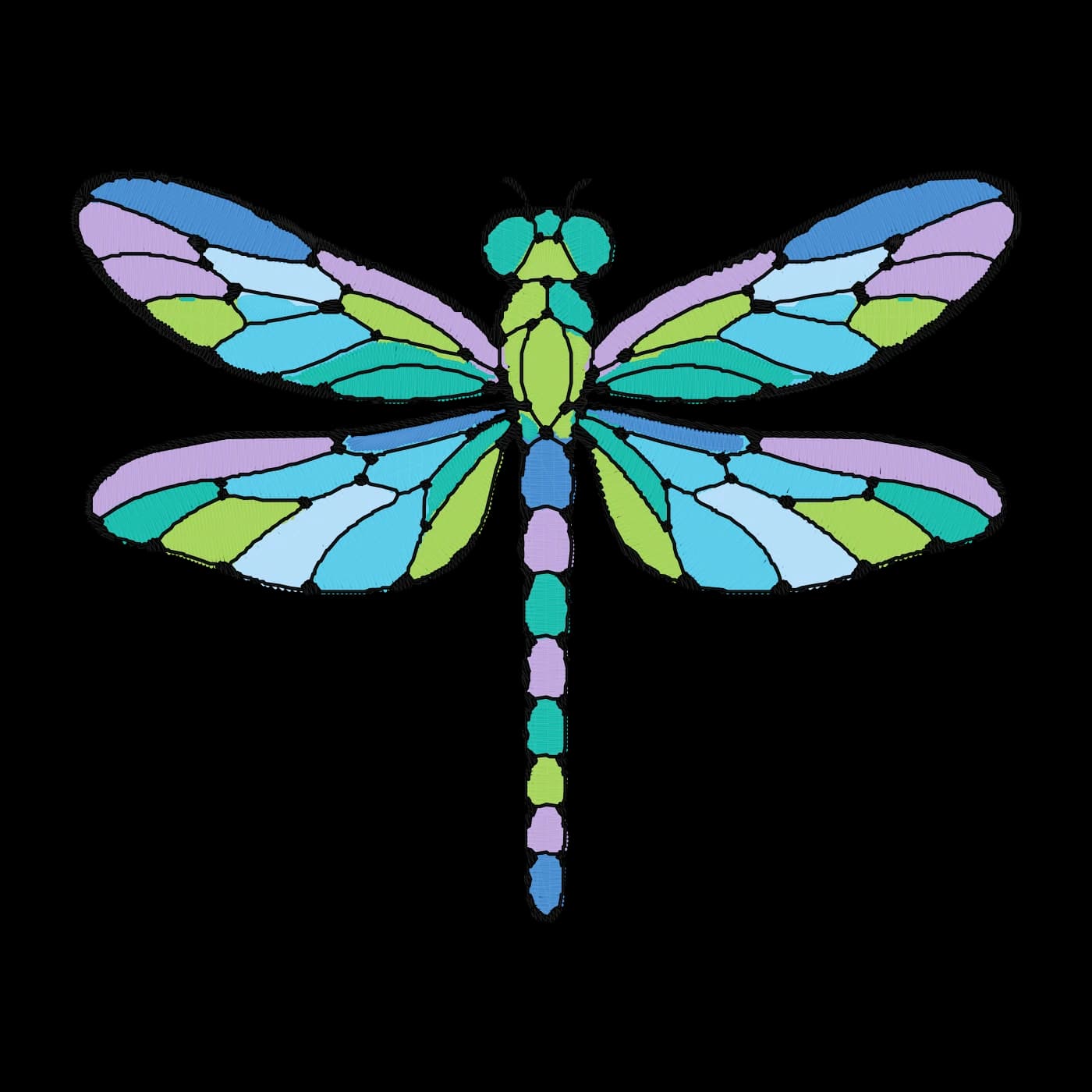 Real stitches. Ready to make your own.
Explore the Stained Glass Dragonfly sample in Bobbi. Create something entirely your own with AI.
Lettering, with personality
Bend your lettering into an arc. Find your thread color. Then watch your words become embroidery, stitch by stitch.
Your words. Your colors. Your finishing touch.
Made for Apple Pencil
Draw directly on the canvas with Apple Pencil. Nudge a curve until it feels right, then turn your sketch into embroidery.
Made for drawing, shaping, and making it yours.
Big ideas. Beautiful little details.
AI gets your idea started. You get the final say. Shape the texture with different fills, choose how your stitches flow, or zoom all the way in to adjust a single needle point.
Try a different fill. Give the same design a completely different feel.
Actual bobbi stitch previewClassic parallel rows for a smooth, even fill.
Select, move, add, or delete individual needle points. Small adjustments. A finish that feels like you.
Turn the fill angle and adjust row spacing to change the texture. Preview the difference as you go.

Keep working with editable shapes and fill settings, or make an editable stitch copy for needle-by-needle changes. Bobbi keeps the original geometry and settings, too.
A little inspiration
These are real stitch previews from the twenty editable samples included in Bobbi. Start with a favorite, change the colors and stitch direction, or let your next idea take you somewhere new.
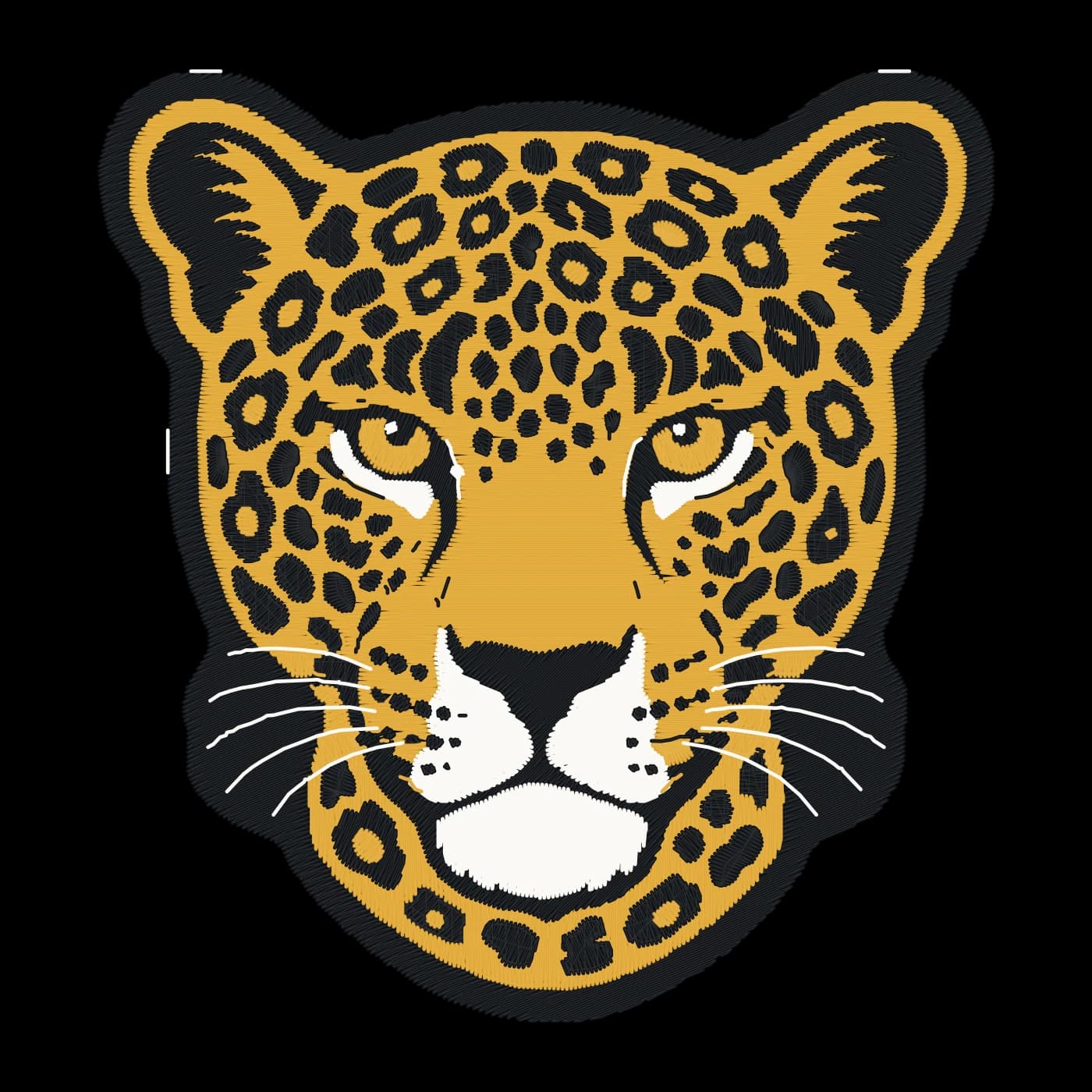





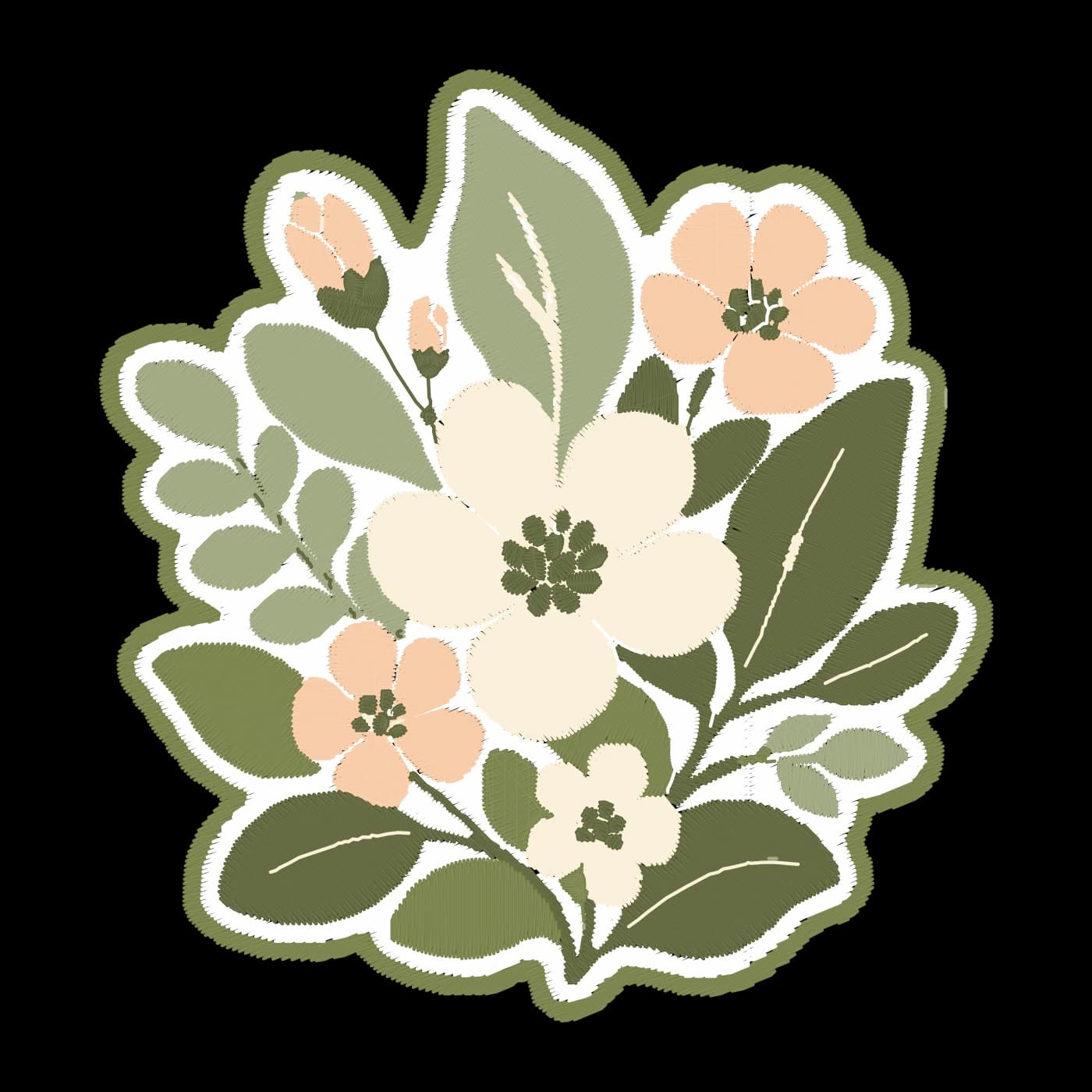
Four steps, all on the iPad. Your project stays editable the whole way, so nothing is final until you sew it.
Describe an idea to AI Create, start from a favorite photo, or import your own SVG, PNG, JPEG or PDF artwork.
Bobbi proposes satin, fill and running stitches for each region. Merge, clean up and change stitch angles before you apply.
Play the stitch-out, check color passes, jumps and trims, and fix anything the review flags before thread touches fabric.
Export PES, DST, EXP, JEF or VP3, plus the editable .bobbi project so you can come back and change anything.
The tools you'd expect from desktop embroidery software, rebuilt for Pencil and fingers.
Sketch with Apple Pencil, then refine curves node by node. Every object stays editable, so you can change a satin's width or a fill's angle long after you drew it.
Type straight onto the canvas. Set words on an arc or a circle, build one- to three-letter monograms, and nudge single letters until the spacing looks right.
AI Create draws a clean, embroidery-ready picture from a sentence and hands it to the digitizer as editable regions. Every picture is saved to your gallery on the iPad.
Failed or cancelled pictures are refunded automatically.
Placement, tack-down and finish stages, with cut outlines for your cutting machine.
Split large designs across hoopings with registration marks and one file per hooping.
PNG proofs and tiled PDFs you print at 100% to position a design on a garment.
Recolor, move and fix jumps in PES, DST, EXP, JEF and VP3 files you already own.
Keep colors, fonts, due dates and every file you exported for each customer.
Projects save as you work and recover after an interruption. Nothing leaves your iPad unless you share it.
Bobbi opens, repairs and saves the five most common home and commercial formats. Saving stays in beta until each format passes sew-out tests on real machines.
| Format | Common on | Saving |
|---|---|---|
| .pes | Brother, Baby Lock | Beta |
| .dst | Tajima and most commercial machines | Beta |
| .exp | Melco, Bernina | Beta |
| .jef | Janome | Beta |
| .vp3 | Husqvarna Viking, Pfaff | Beta |
First machine in testing: Brother SE2000. We'll list each model here once it passes. Until then, check the stitch preview and sew a test piece before a final garment.
Explore the beta now. These are our planned launch tiers; the app will show available plans, localized prices and any eligible offers before purchase.
Your local projects stay yours, with or without a plan.
$0for local projects
Buy AI credits when you need them
Everything you need to digitize and sew your own designs.
$159.99a year
About $13.33 a month
40 AI credits each month
For makers who sell: production output and the advanced tools.
$699.99a year
About $58.33 a month
150 AI credits each month
At launch, eligible subscribers can try a plan free for 14 days with 10 AI credits once. The trial renews into the selected plan unless canceled. Paid plans include 40 Hobbyist or 150 Pro credits per month, including yearly plans; unused monthly credits do not roll over.
Need more AI credits? Non-expiring packs are planned at 25 for $4.99, 100 for $14.99, or 300 for $39.99. Sign-in is required; a subscription is not.
Only offers shown in the app are available for purchase. Planned prices in US dollars. TestFlight purchases use Apple’s test environment and do not grant production credits.
The iPad beta runs through Apple's TestFlight. Mac and Windows share the same stitch engine, so your .bobbi projects will open on all three. Join the list for beta and release updates.
Yes. Describe what you imagine to AI Create, or use a photo as your starting point. Generate artwork, turn it into editable embroidery, and refine the colors and stitches in Bobbi. Preview your design and sew a test piece before your final project.
Any iPad on iPadOS 17 or later. Apple Pencil makes drawing and node editing precise, but every tool also works with your finger.
Bobbi opens and saves PES, DST, EXP, JEF and VP3. Saving is in beta until we finish sew-out testing on real machines, starting with the Brother SE2000. Always check the stitch preview before you sew.
No. Projects stay on your iPad. Only AI Create sends anything to our server: the description or photo you submit, so the image can be generated. Bobbi asks before the first time.
AI Create uses credits. A square picture costs 1, 3 or 8 credits for low, medium or high quality; wide and tall pictures cost a little more. Failed or cancelled requests are refunded automatically.
Yes. Your projects and machine files are yours to sew and sell. Please only digitize artwork you have the right to use.
They're in development on the same engine, so your .bobbi projects will open on every platform. Leave your email below and we'll write when the beta opens.